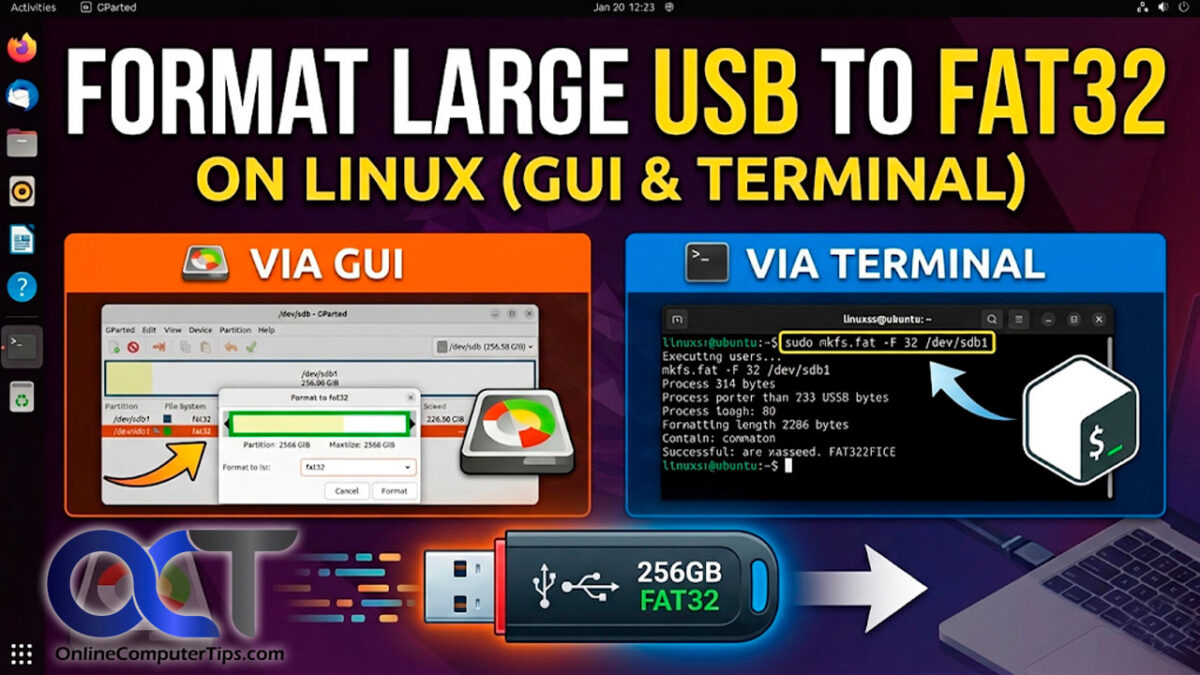
Guiformat is widely known as one of the most effective tools for formatting large USB drives into the FAT32 file system. Many computer users face problems when trying to format USB drives larger than 32GB because Windows does not normally allow FAT32 formatting for large storage devices. This limitation often confuses users, especially when they need FAT32 compatibility for gaming consoles, smart TVs, cameras, or other electronic devices.
Guiformat solves this issue by allowing users to format large USB drives into FAT32 quickly and easily. The software has become extremely popular because it bypasses Windows restrictions while remaining lightweight, portable, and simple to use. Whether someone owns a 64GB, 128GB, or even larger USB drive, Guiformat can usually handle the formatting process without difficulty.
Understanding FAT32 and USB Drive Compatibility
FAT32 is one of the oldest and most widely compatible file systems used for portable storage devices. It works with many operating systems and hardware devices, including Windows, macOS, Linux, gaming consoles, media players, digital cameras, printers, and smart televisions.
Because of this broad compatibility, many users prefer FAT32 when preparing USB drives for devices that may not support newer file systems such as NTFS or exFAT. Gaming consoles and embedded systems are especially known for relying on FAT32-formatted storage devices.
However, Windows formatting tools create a major limitation. Although FAT32 itself supports large partitions, Windows only allows FAT32 formatting for drives smaller than 32GB through its built-in tools. Larger USB drives usually only display NTFS or exFAT as formatting options.
This is where Guiformat becomes extremely useful.
Can Guiformat Format Large USB Drives?
Yes, Guiformat can format large USB drives into FAT32 without the restrictions imposed by Windows. This is the primary reason why the software became popular among users worldwide.
Guiformat is specifically designed to create FAT32 partitions on storage devices larger than 32GB. It can successfully format USB drives with capacities such as 64GB, 128GB, 256GB, and sometimes even larger depending on the drive and system configuration.
The software bypasses the artificial limitation created by Windows and directly builds the FAT32 file system structure on the selected drive. This allows users to enjoy the compatibility benefits of FAT32 even on modern high-capacity USB drives.
Why Windows Does Not Allow Large FAT32 Formatting
Many users assume FAT32 itself cannot support large USB drives, but this is not true. FAT32 was actually designed to support partitions much larger than 32GB.
Microsoft restricted FAT32 formatting in Windows mainly to encourage users to adopt newer file systems like NTFS and exFAT. These newer systems offer advantages such as support for large files, better security, and improved reliability.
Despite these improvements, many devices still rely heavily on FAT32 compatibility. As a result, users often need third-party tools like Guiformat to prepare large USB drives for these devices.
How Guiformat Formats Large USB Drives
Guiformat works through a simple and efficient process. After launching the software, it automatically detects connected storage devices and displays them in a list. The user selects the USB drive they want to format and chooses the desired settings.
One important setting is the allocation unit size, also called cluster size. This determines how data is stored on the drive. Smaller cluster sizes can improve storage efficiency for small files, while larger sizes may improve performance for large files. Most users simply keep the default settings because they work well for normal use.
The software also offers a quick format option. Quick formatting removes the old file allocation table and prepares the drive for use without fully rewriting every sector. This makes the formatting process much faster.
Once the user starts the process, Guiformat creates a new FAT32 file system on the USB drive. After completion, the drive becomes ready for use on devices that support FAT32.
Why Users Prefer FAT32 for Large USB Drives
Even though NTFS and exFAT are newer file systems, many users still prefer FAT32 for certain situations. The biggest reason is compatibility.
Many electronic devices recognize FAT32 more reliably than NTFS or exFAT. Older smart TVs, gaming consoles, car entertainment systems, and embedded devices often work best with FAT32-formatted drives.
Gamers especially rely on FAT32 USB drives for firmware updates, game modifications, and media playback. Certain PlayStation and Xbox systems require FAT32 compatibility for external storage devices.
Photographers and videographers may also use FAT32 because some cameras and recording equipment are optimized for this file system.
Because Guiformat allows large USB drives to use FAT32, it becomes an essential tool for users who need maximum compatibility.
Advantages of Using Guiformat for Large USB Drives
One major advantage of Guiformat is its simplicity. The software has a clean and user-friendly interface that even beginners can understand easily. Unlike advanced disk management tools, it focuses entirely on FAT32 formatting without unnecessary complexity.
Another advantage is speed. Guiformat can format large USB drives quickly, especially when using the quick format option. This saves users considerable time when preparing storage devices.
The software is also portable and lightweight. It does not require installation, meaning users can simply download and run the executable file. Technicians and IT professionals often carry Guiformat on portable toolkits because it is convenient and efficient.
Compatibility is another important benefit. By creating FAT32 partitions on large USB drives, Guiformat ensures the drives can work with many different systems and devices.
Limitations of FAT32 on Large USB Drives
Although Guiformat successfully formats large USB drives into FAT32, users should still understand the limitations of the FAT32 file system itself.
The most significant limitation is the maximum file size of 4GB. FAT32 cannot store individual files larger than 4GB, which can become problematic for high-resolution videos, large software files, and modern game backups.
Another limitation is the lack of advanced security features. FAT32 does not support file permissions, encryption, or journaling like NTFS does.
Despite these drawbacks, FAT32 remains valuable because of its unmatched compatibility across devices.
Is Guiformat Safe for Formatting Large USB Drives?
Guiformat is generally considered safe when downloaded from trusted sources. The software has been used by millions of users and has earned a good reputation for reliability.
However, formatting always erases existing data on the selected drive. Users should always back up important files before starting the formatting process.
It is also important to carefully select the correct USB drive because formatting the wrong drive can result in permanent data loss.
Using antivirus software to scan downloaded files is another good practice for maintaining computer security.
Common Situations Where Guiformat Is Used
Guiformat is commonly used in several real-world situations involving large USB drives. Gamers often use it to prepare drives for PlayStation systems, Xbox consoles, retro gaming devices, and emulator systems.
Many users also use Guiformat for smart TVs because some televisions only recognize FAT32 drives for video playback. Firmware installations for routers, motherboards, and media devices frequently require FAT32 USB drives as well.
Photographers sometimes use FAT32 drives for cameras and recording devices that work best with this file system. In all these cases, Guiformat provides a simple solution for formatting large USB drives properly.
Why Guiformat Remains Popular
Guiformat remains popular because it solves a problem that still exists in modern Windows systems. Even though newer file systems are available, FAT32 compatibility continues to be important for many devices.
The software’s lightweight design, portability, reliability, and ease of use make it attractive for both beginners and advanced users. Instead of offering complicated features, Guiformat focuses entirely on FAT32 formatting and performs the task efficiently.
As long as users need FAT32-formatted large USB drives, Guiformat will likely remain one of the most recommended tools available.
Conclusion
Guiformat can successfully format large USB drives into the FAT32 file system, even when Windows built-in tools cannot. This capability has made it one of the most popular formatting utilities among gamers, technicians, photographers, and everyday computer users.
The software bypasses Windows limitations and allows users to create FAT32 partitions on drives much larger than 32GB. Its simple interface, fast performance, lightweight design, and strong compatibility make it highly practical for many situations.